ClickBank vs Digistore24 in 2026: Which Affiliate Platform Is Better?
A fact-checked comparison of tracking, payouts, offer evaluation, refund risk and beginner fit—without unsupported product counts, commission ranges or “winner” claims.
1. ClickBank vs Digistore24: Quick Comparison
| Area | ClickBank | Digistore24 |
|---|---|---|
| Core affiliate link | HopLink | Promolink / content link |
| Documented attribution window | ClickBank says a purchase within 60 days of a HopLink click can be credited to the referring affiliate | Digistore24 says cookie duration varies by region; current promolink documentation describes up to 180 days in stricter-regulation regions and up to 365 days in the US |
| Multiple affiliate interactions | Current ClickBank documentation should be checked for the seller's attribution setup and any alternative methods | Current Digistore24 documentation explains that another affiliate's promolink can replace the existing cookie |
| Payment frequency | ClickBank supports weekly or biweekly settings for eligible accounts; paychecks are issued on Fridays after the pay-period end | Payout account settings and thresholds apply; Digistore24's affiliate setup documentation lists default payouts on the 7th and 21st, with settings that can be changed |
| PayPal for affiliate payout | ClickBank states that affiliate payments are not deposited to PayPal | Available methods depend on the reseller/account setup; verify the payout screen for your account |
| Commission rate | Offer-specific | Offer-specific |
| Best use | Choose when the specific ClickBank offer, terms and payout access fit your audience | Choose when the specific Digistore24 offer, tracking and payout setup fit your audience |
2. Product and Offer Selection Matters More Than the Network Logo
The previous version of this article used fixed catalog-size figures and generalized commission ranges. Those numbers can become outdated quickly and do not tell you whether an individual offer is good. Evaluate offers one by one.
Offer-quality checklist
- Clear product description
- Credible claims
- Transparent price and billing
- Reasonable refund/cancellation process
- Sales page that matches what you will tell readers
Affiliate-fit checklist
- Audience relevance
- Allowed traffic sources
- Current commission structure
- Tracking you understand
- Payout method you can actually receive
Do not select an offer solely because a dashboard displays a high commission percentage or performance metric. High gross commission can still produce poor net results if the product has weak customer fit, refunds, chargebacks or misleading marketing.
3. Tracking and Cookie Duration

ClickBank
ClickBank's HopLinks Guide states that if a customer buys within 60 days after clicking a HopLink, the referring affiliate receives credit and commission for the sale. ClickBank also supports other attribution features in some seller setups, so affiliates should use the current platform documentation rather than assuming every sale follows one universal scenario.
Digistore24
Digistore24's current promolink documentation says cookies can be valid for up to 180 days in regions with stricter data-protection rules and up to 365 days in the US. It also explains that the same device/browser and cookie availability matter and that a later affiliate promolink can replace the existing affiliate ID.
4. Payouts: Compare What You Can Actually Receive
ClickBank payout basics
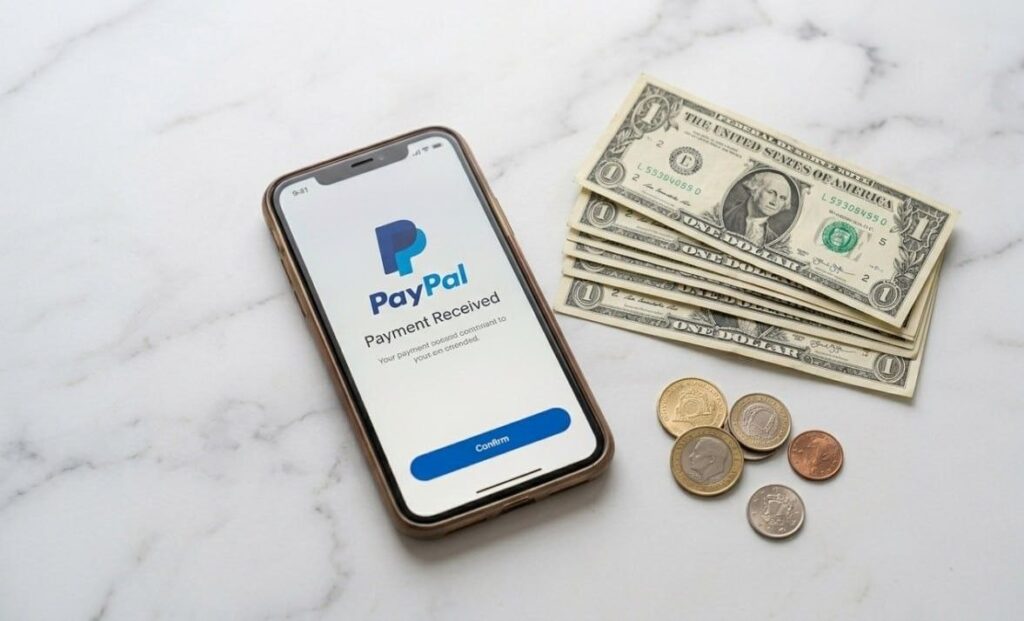
ClickBank's payment documentation says users can choose weekly or biweekly payment frequency, subject to the account's threshold and payment settings. The company also states that affiliate payments are not sent to PayPal. Available payment methods and country eligibility should be checked in the account before you build a business plan around a specific method.
Digistore24 payout basics
Digistore24's affiliate payout-account documentation states that default settings pay on the 7th and 21st once the applicable threshold is reached, and that payout-method availability depends on the reseller. Other Digistore24 help pages describe additional payout dates under certain threshold settings. Treat the payout screen in your own account as the final source for what is available to you.
5. Refunds, Reversals and Quality Control

The old article tried to compare generalized refund rates between the two networks. That is not a reliable way to choose a platform because refund behavior is heavily offer-specific. Instead, monitor the data you can verify:
- Gross sales versus net sales
- Refunds, cancellations and chargebacks
- Recurring billing complaints
- Customer-support quality
- Whether the sales page makes claims you are comfortable repeating
- Whether your traffic source matches the offer's target customer
If an offer creates unusually high refund or complaint risk, stop promoting it even if the headline commission is attractive. Your audience trust is an asset that lasts longer than one campaign.
6. Which Platform Should a Beginner Choose?
| If this describes you… | What to do |
|---|---|
| You found a strong ClickBank offer with clear terms and a credible sales page | Test ClickBank with one focused content funnel and track net results |
| You found a stronger Digistore24 offer that fits your audience and payout needs | Use Digistore24 and test its promolink attribution before launch |
| You are choosing only because one platform advertises a longer cookie | Pause and compare product quality, buyer intent and payout access first |
| You cannot explain or defend the product's claims | Do not promote it, regardless of platform |
| You have no audience yet | Build useful content first; a marketplace account alone does not create demand |
Related SmartNovaHub guides
The $0 Budget Affiliate Method
How to Write Better Affiliate Product Reviews
Complete Affiliate Marketing Guide
- ClickBank HopLinks Guide
- ClickBank payment methods and frequency
- Digistore24 promolink and regional cookie duration
- Digistore24 affiliate payout setup
Always verify the current help pages and your account settings before publishing exact payout, threshold or tracking claims.